

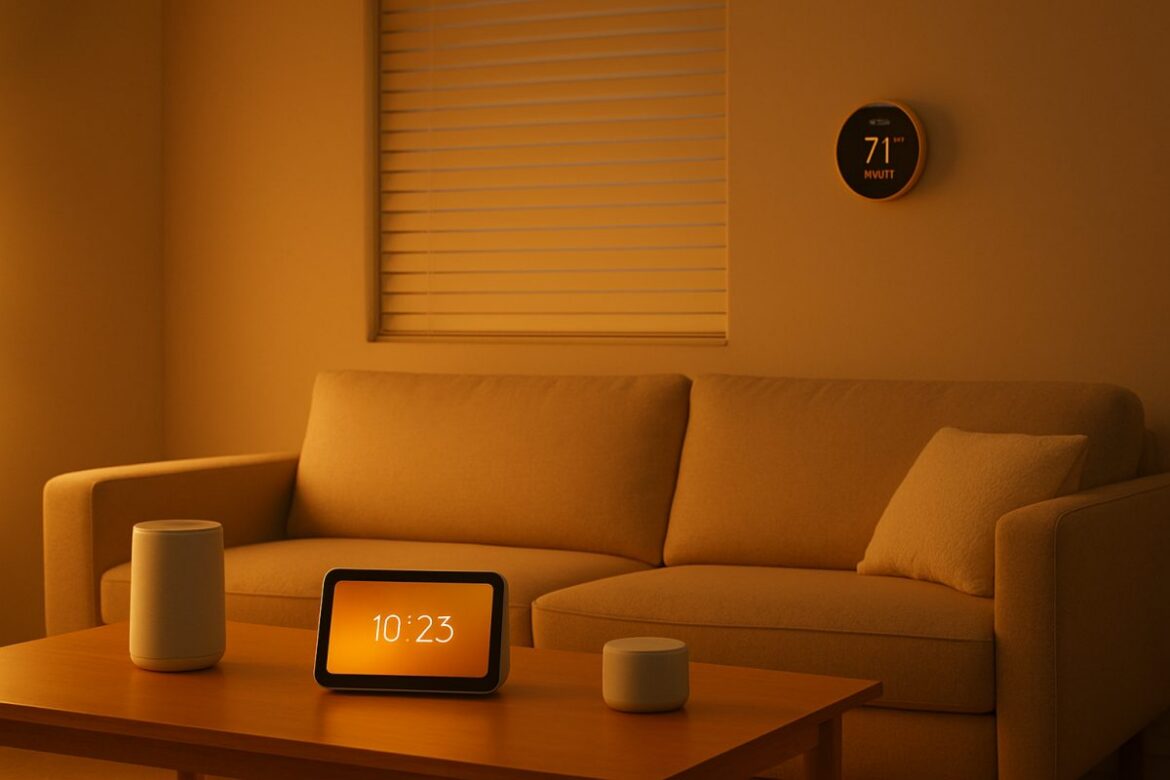
Transforming your living space with smart home automation can significantly enhance comfort, security, and energy efficiency. This guide provides practical steps to integrate smart technology into your home, ensuring you make informed choices. From choosing the right devices to setting up a seamless network, we cover everything you need to know to get started with smart home automation today.
Understanding Smart Home Automation
Smart home automation involves using internet-connected devices to control and monitor various home functions remotely. By automating tasks such as lighting, heating, and security, you can improve your home’s efficiency and convenience. For a deeper understanding, explore what is a smart home.
Essential Components of a Smart Home
Smart Hubs and Controllers
At the heart of any smart home setup is a central hub or controller. Options include Amazon Echo, Google Nest Hub, and Samsung SmartThings. These devices enable communication between different smart gadgets, allowing you to control them via a single interface. For instance, the Amazon Echo can be used to control Alexa-enabled devices through voice commands, while the Google Nest Hub offers a visual interface with a display for managing Google Assistant devices.
When selecting a hub, consider the ecosystem it supports. If you prefer voice control, the Amazon Echo or Google Nest Hub are excellent choices. Alternatively, Samsung SmartThings provides a more open platform that supports a wide range of devices, including Zigbee and Z-Wave products.
Smart Lighting
Smart lighting systems like Philips Hue or LIFX can be programmed to adjust based on time or activity. They offer energy savings and can be controlled via voice or smartphone app. For example, Philips Hue bulbs can be set to mimic natural light patterns, reducing energy consumption by up to 80% compared to traditional incandescent bulbs. LIFX bulbs, on the other hand, offer a wider color spectrum and do not require a hub, making them easier to install.
When setting up smart lighting, consider using motion sensors to automate lighting in high-traffic areas, ensuring lights are only on when needed. Additionally, integrating your lighting with other smart devices can create scenes that enhance your living experience, such as dimming lights when watching a movie.
Smart Thermostats
Devices like the Nest Thermostat learn your schedule and preferences, optimizing heating and cooling to save energy. If you’re curious about its functionality without internet, check out Can the Nest Thermostat Work Without WiFi. The Nest Thermostat can reduce heating costs by 10% to 12% and cooling costs by 15% on average.
Installation is straightforward, with most units requiring only a few wires to connect to your existing HVAC system. Once installed, use the companion app to set temperature schedules or enable geofencing to adjust settings based on your location automatically.
Security Systems
Smart security systems include cameras, doorbells, and locks. Brands like Ring and Arlo offer comprehensive solutions for monitoring and securing your home remotely. Ring’s video doorbells provide real-time alerts and two-way communication, while Arlo’s cameras offer high-resolution video recording with night vision capabilities.
For optimal security, consider integrating your cameras with motion sensors and smart locks. This setup allows you to receive alerts when motion is detected and lock or unlock doors remotely. Ensure your security system is equipped with cloud storage or local backup options to safeguard footage.
Steps to Set Up Your Smart Home
- Assess Your Needs: Determine which aspects of your home you want to automate—lighting, security, climate control, etc. Consider factors like family size, lifestyle, and budget.
- Check Your WiFi: A robust internet connection is crucial. Learn How to Check WiFi Speed to ensure your network can handle multiple devices. Aim for a minimum of 25 Mbps for streaming and multiple device connections.
- Choose Compatible Devices: Select devices that work with your chosen hub or controller. Compatibility ensures seamless operation. Use platforms like Google Assistant or Amazon Alexa to check device compatibility.
- Install and Configure: Follow manufacturer instructions to install devices. Use apps to configure settings and integrate them into your hub. Most devices come with step-by-step guides or video tutorials for easy setup.
- Test and Optimize: Test each device and optimize settings for performance and energy efficiency. Regularly update device firmware to ensure security and functionality.
Troubleshooting Common Issues
Connectivity Problems
Ensure all devices are within range of your WiFi network. If connection issues persist, consider using WiFi extenders. For more guidance, see How to Fix WiFi. A mesh network system can also improve coverage for larger homes, ensuring consistent connectivity throughout.
Device Compatibility
Not all devices work seamlessly together. Verify compatibility before purchase and consider using IFTTT (If This Then That) to create custom automations between disparate systems. IFTTT allows you to link devices that might not natively communicate, expanding your automation possibilities.
Security Concerns
Secure your network with strong passwords and enable two-factor authentication on your smart devices to protect against unauthorized access. Regularly update your devices’ firmware to patch vulnerabilities. Consider using a dedicated network for your smart devices to isolate them from personal data.
Comparing Smart Home Devices
| Device | Features | Price Range | Compatibility |
|---|---|---|---|
| Amazon Echo | Voice Control, Smart Hub | $99 – $199 | Alexa-enabled Devices |
| Google Nest Hub | Voice Control, Display | $129 – $229 | Google Assistant Devices |
| Philips Hue | Smart Lighting | $49 – $199 | Most Smart Hubs |
| Nest Thermostat | Learning Thermostat, Energy Saving | $129 – $249 | Google Assistant, Alexa |
| Ring Video Doorbell | Video Monitoring, Two-Way Audio | $99 – $249 | Alexa, Google Assistant |
FAQ
Do I need a smart hub for home automation?
While not always necessary, a smart hub can simplify the management of multiple devices. Some devices can operate independently via smartphone apps, but a hub provides a centralized control point. For larger setups with numerous devices, a hub can streamline operations and reduce app clutter on your smartphone.
How secure are smart home devices?
Security depends on user practices and device settings. Always use strong passwords, enable encryption, and keep devices updated to ensure maximum security. Manufacturers frequently release updates to address security vulnerabilities, so regular updates are crucial.
Can I automate my home on a budget?
Yes, start with basic devices like smart plugs and bulbs, which are affordable and offer immediate benefits. Expand gradually as your budget allows. Smart plugs, for instance, can be used to automate appliances and lamps, providing a cost-effective entry into home automation.
What happens if my internet goes down?
Many smart devices have local control options via Bluetooth or Zigbee, allowing basic functionality even without internet. However, remote access will be unavailable until connectivity is restored. Consider devices that offer local control to minimize disruption during outages.
Next Steps
Now that you’re equipped with the knowledge to start your smart home journey, begin by assessing your needs and ensuring your network is ready. Invest in a few key devices and gradually expand your setup. For further insights on how smart technology can enhance your daily life, visit Smart Home Tech: Transforming Daily Life and Efficiency and how smart home technology will change lives.